Insights
Home Alarm Systems, Monitoring, and Home Surveillance Systems in Oakville: What's the Difference?
In Oakville and Burlington, homeowners often use "home alarm system," "home monitoring," "alarm monitoring," "home surveillance system," and "home security system" to mean the same thing.
That is understandable. If you are replacing an older ADT-style alarm, restarting monitoring after a move, or comparing security companies, all of those terms can show up in the same conversation.
They are related, but they are not identical. Once the distinction is clear, the rest of the decision - what to buy, what to keep, and whether to pay for monitoring - gets much easier, and it fits into the bigger question of choosing the best home security system for your home.
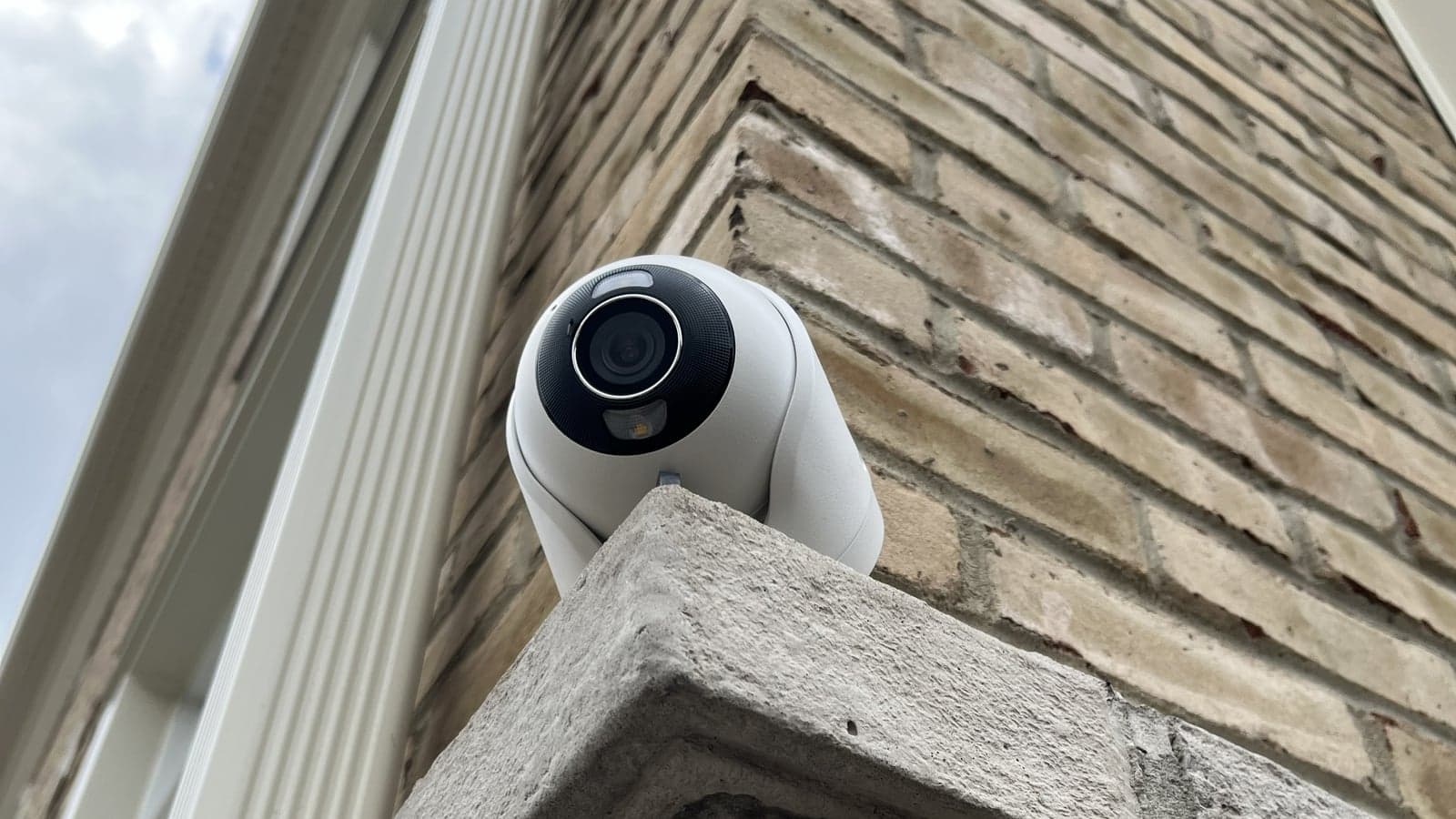
The Short Answer
In one sentence: an alarm system is the equipment in your home; alarm monitoring is the service that receives signals from that equipment and helps coordinate a response.
A few quick rules of thumb follow from that:
- A home alarm system is the equipment in the home.
- Home monitoring (or alarm monitoring) is the service that receives signals from the equipment.
- You can have an alarm system without professional monitoring.
- You cannot have professional alarm monitoring without an alarm system, or at least a compatible communicator, to send signals to the monitoring station.
Those four points are the foundation for the whole decision.
What Is a Home Alarm System?
A home alarm system is the physical equipment installed in your home. In a typical residential setup, that includes:
- a control panel or hub, which is the brain that ties everything together
- door and window contacts that detect when something opens
- motion sensors for hallways, foyers, and other transition points
- a keypad or smartphone app to arm and disarm the system
- a siren, either built into the panel or separate, to make an audible alarm
- a communicator (cellular, internet, or both) so the system can send signals out of the home
- optional sensors for smoke, flood, glass break, panic, or carbon monoxide, depending on the home
The system can be armed in different modes (away, stay, night) and configured to behave differently depending on time of day, zone, or sensor type.
The system itself does not call anyone. It detects events, makes local noise if it is set to do so, and sends signals through its communicator. What happens next depends on whether the system is monitored.
This is the equipment side of the picture, and it is what CastleOak installs and supports for home alarm systems in Oakville and Burlington.
What Does Home Monitoring Mean?
"Home monitoring" is a phrase homeowners use in several different ways, and that is part of what makes the topic confusing.
In one conversation it might mean:
- professional alarm monitoring (a 24/7 station receiving alarm signals)
- app notifications when a sensor opens or a camera detects motion
- a camera feed the homeowner checks during the day
- self-monitoring through an app, without any outside service
- some combination of all of the above
In the security industry, "alarm monitoring" has a more specific meaning: a monitoring station receives the alarm signals from your communicator and follows your account's instructions when those signals arrive. That is the version we'll focus on next.
The broader idea of monitoring your home is also valid. It just covers a lot of different things, from a doorbell camera to a fully monitored alarm contract.
What Professional Alarm Monitoring Adds
At a high level, professional alarm monitoring adds a person on the other end of the alarm.
When the alarm system in your home triggers, the communicator sends a signal to a monitoring station. An operator follows the instructions on file for your account: who to call, in what order, and under what conditions an emergency request may be made. Depending on the signal, the type of event, the verification process, and local procedures, that can lead to a call to you and your emergency contacts, a request for emergency dispatch, or both.
The exact sequence depends on the monitoring company, the system, and how the account was configured at installation. We have a separate post that walks through the full sequence of an alarm event, from sensor to response, in detail.
For this post, the important point is that monitoring adds a process around your alarm. There is a process in place even when you are not available to respond yourself.
What Happens Without Monitoring?
Without professional monitoring, the alarm system still does most of what it was designed to do. It detects events, it can sound a siren, and it can send notifications to your phone or to designated contacts.
In practice, that usually looks like this:
- the siren sounds if the system is configured to (some homeowners run their systems silent indoors)
- the homeowner gets a push notification or message through the system's app
- cameras, if they are part of the setup, may help confirm what is actually happening
- the response depends on the homeowner, a family member, a neighbour, or another contact
That can be enough for some households, particularly smaller homes or homes where someone is usually nearby and willing to act on alerts. It can also be a thinner safety net than people expect once they think it through. Alerts get missed, phones get muted, and there is no second pair of eyes if the homeowner is unavailable.
We have written about whether monitoring is always necessary in a dedicated post.
Alarm Systems vs. Home Surveillance Systems: How They Fit Together
Surveillance is a related but distinct part of the picture. Where an alarm system detects specific events through sensors and reports them, video cameras provide continuous awareness of what is happening on a property.
In practice, well-designed surveillance systems in residential settings work alongside alarm systems rather than replacing them. The alarm detects an event, like an opened door or motion in a protected zone. The camera shows you what is actually happening at that moment, and continues recording before and after the event. Together, they give context that neither component provides on its own.
Why Oakville Homeowners Ask About This
The reason this question comes up so often in Oakville and Burlington tends to be specific. We hear it most from:
- homeowners with an older ADT or Honeywell-style alarm panel still on the wall, sometimes dormant for years
- people who were asked by their insurance company for proof of a monitored alarm
- families moving into a house that already has an alarm system but no active account
- homeowners who want to keep their alarm coverage but get rid of the old phone line the panel was wired to
- larger detached homes with garages, side entries, and lower-level access points where a single keypad is not really enough
- homeowners who want app control, mobile arming, and modern notifications instead of a keypad-only experience
The underlying request is usually the same. People want their home protected, and they want to understand what they are paying for and whether the equipment they already own is worth keeping.
Do You Need a New System, or Can an Older System Be Reused?
This depends on the equipment and the homeowner's expectations. Sometimes an older alarm panel can be reactivated or adapted; sometimes a clean replacement is the better path. The honest answer comes from looking at a few specific things:
- the age and model of the existing control panel
- whether the sensors are still working and properly placed
- the communicator type (an old phone-line dialer will not work on most modern setups)
- whether cellular monitoring is required or preferred
- whether the homeowner wants app control, mobile arming, and notifications
- how reliable the panel and sensors are likely to be over the next several years
There are cases where a legacy panel is in good shape, sensors are healthy, and adding a modern cellular communicator (and possibly an app bridge) is enough. There are also cases where the equipment is too old, the sensors are unreliable, or the architecture limits what monitoring providers will accept. In those situations, a replacement is usually the more practical option.
A short conversation and a look at the existing panel is usually enough to give a clear recommendation.
When Monitoring Makes Sense
Professional alarm monitoring tends to make sense when one or more of these conditions apply:
- the homeowner's insurance policy asks for a monitored alarm, or offers a discount for one
- the homeowner travels frequently, or spends meaningful time away from home
- the household owns a second property, cottage, or rental where they cannot be on-site
- the home is larger, with more access points than one person can reasonably keep track of through notifications
- the household wants formal escalation if an alarm signal is received
- the household does not want every event to depend on someone noticing a phone alert in time
Monitoring is not the right answer for every home. It is the right answer often enough that it should be a deliberate decision, not a default.
When Self-Monitoring May Be Enough
Self-monitoring can be a reasonable choice when:
- the home is smaller and the homeowner is usually nearby
- the goal is awareness and notification rather than formal dispatch
- the household is comfortable acting on alerts themselves
- alarm sensors are paired with cameras for visual confirmation
- the homeowner specifically does not want a monthly monitoring fee
Either path can be supported. The conversation worth having is which one fits the home, the household, and the reason for installing the system in the first place, not which one a security company prefers to sell.
A Simple Way to Think About It
The cleanest mental model is this:
- The alarm system detects the event.
- Monitoring decides who is notified and what happens next.
- Cameras and app alerts improve awareness, so the response (whether from a monitoring station or from the homeowner) is better informed.
- The right combination depends on the home, the household, and the reason for installing the system.
Most of the confusion around alarm system vs. monitoring is really a question of which of those layers you are paying for, and which ones you actually need from your home security system.
Frequently Asked Questions
- Is a home alarm system the same as home monitoring?
- No. The alarm system is the equipment installed in your home: the panel, sensors, keypad, and communicator. Home monitoring (or alarm monitoring) is the service that receives signals from that equipment and helps coordinate a response. You can have an alarm system without monitoring, but you cannot have professional monitoring without some form of alarm system or compatible communicator.
- Can I have an alarm system without monthly monitoring?
- Yes. An alarm system can be installed and used without a monitoring contract. It will still detect events, sound a siren, and (with the right setup) send notifications to your phone. The tradeoff is that there is no outside service paying attention if you are not available to act on alerts yourself.
- Can an older ADT-style alarm system be monitored again?
- Sometimes. It depends on the age and condition of the panel, the type of sensors, the kind of communicator the panel uses, and what monitoring providers are willing to accept. In some homes, an existing panel can be reactivated or adapted. In others, the practical answer is replacement. The right call usually comes from a quick on-site review.
- Do I need a phone line for alarm monitoring?
- Not any more. Older systems used a copper phone line as the dialer back to the monitoring station. Modern systems use a cellular communicator, internet, or both, and do not require a landline. If you are reactivating an older panel, you may need to add a cellular communicator before monitoring can be set up.
- What is cellular alarm monitoring?
- Cellular monitoring uses a dedicated cellular communicator inside the alarm system to send signals to the monitoring station, instead of a phone line or your home internet. It is the most common method on modern installs because it keeps working if the home's internet goes down and does not depend on a copper landline.
- Is self-monitoring enough for insurance?
- That depends on the insurance provider and the policy. Some insurers require a monitored alarm and may ask for documentation; others recognize alarm equipment without a monitoring contract; others only offer the discount if monitoring is in place. Confirm the requirement directly with your insurance provider before making the call.
- Should I upgrade my alarm system before restarting monitoring?
- Often, yes, but not always. If the existing panel is recent, sensors are healthy, and a compatible communicator can be added, reactivation may be the better value. If the panel is old, sensors are unreliable, or the architecture limits what a monitoring provider will accept, replacing the system first is usually the more practical path. A short on-site review is the fastest way to know.
Need Help Deciding What Your Home Actually Needs?
If you are in Oakville or Burlington and you are trying to sort out what you already have, what is worth keeping, and whether monitoring belongs in the picture, we can help. CastleOak will review your existing alarm equipment, explain the monitoring options available, and recommend whether reactivation, an upgrade, or a clean replacement makes sense for your home.